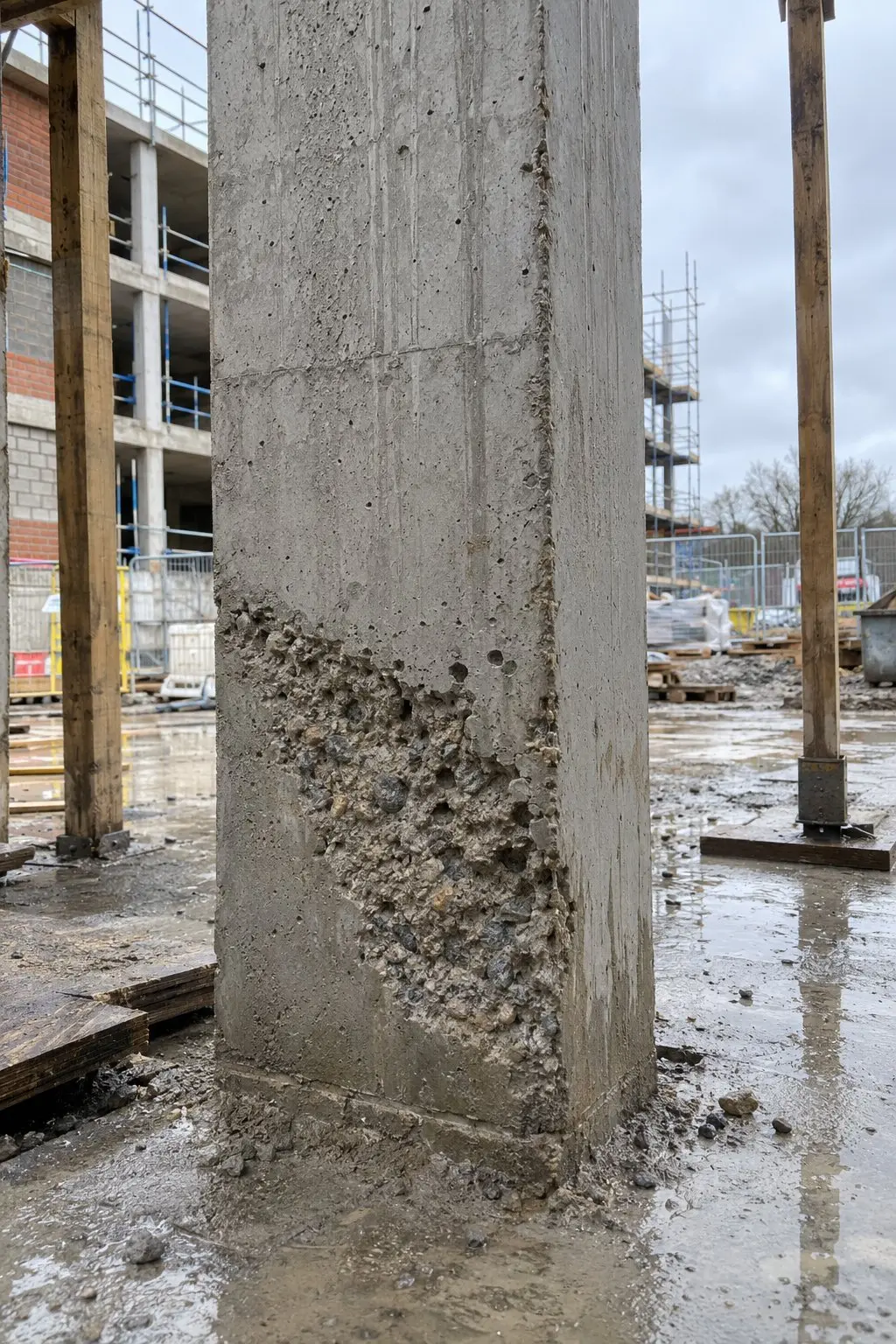
One per page
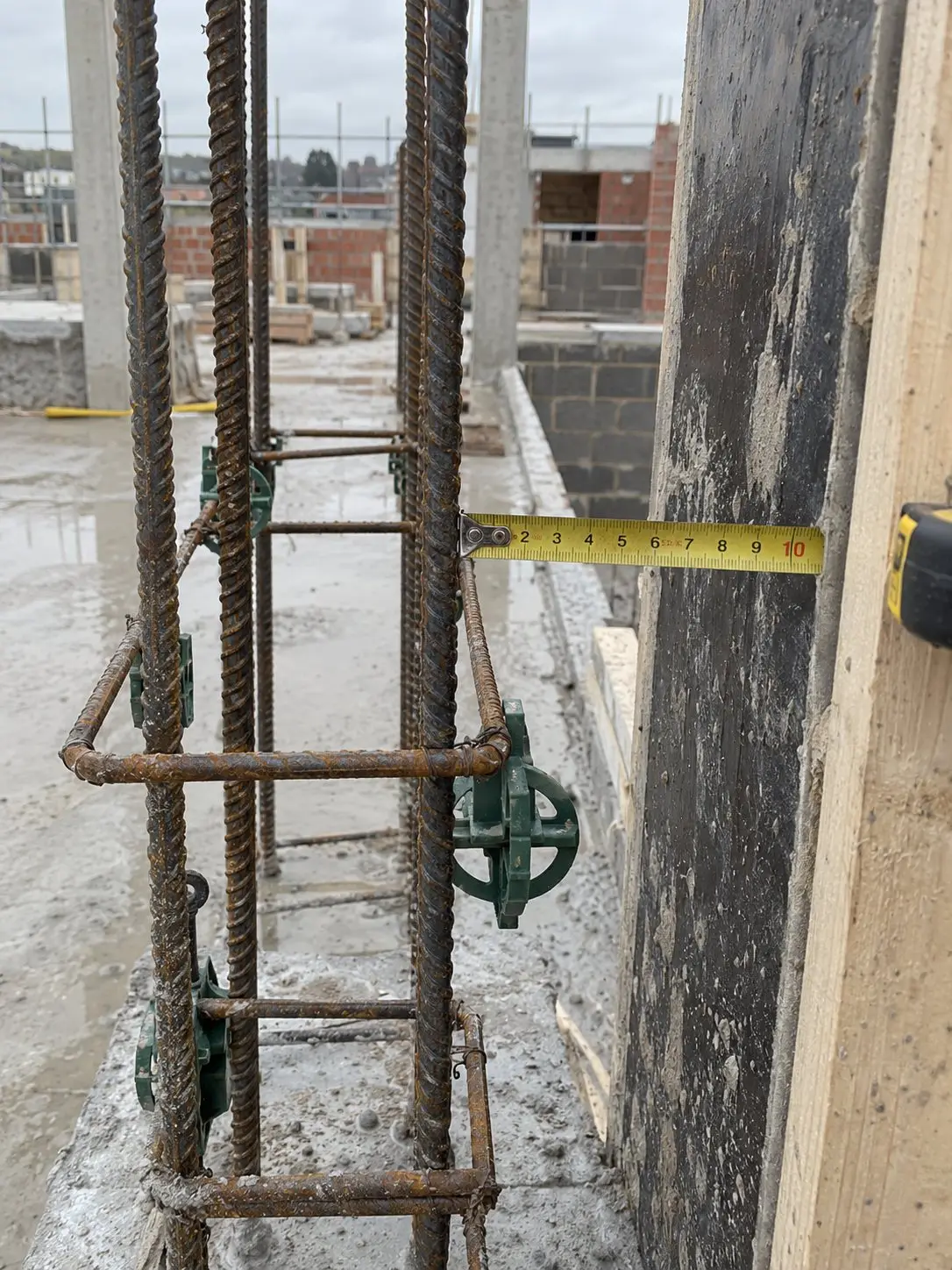
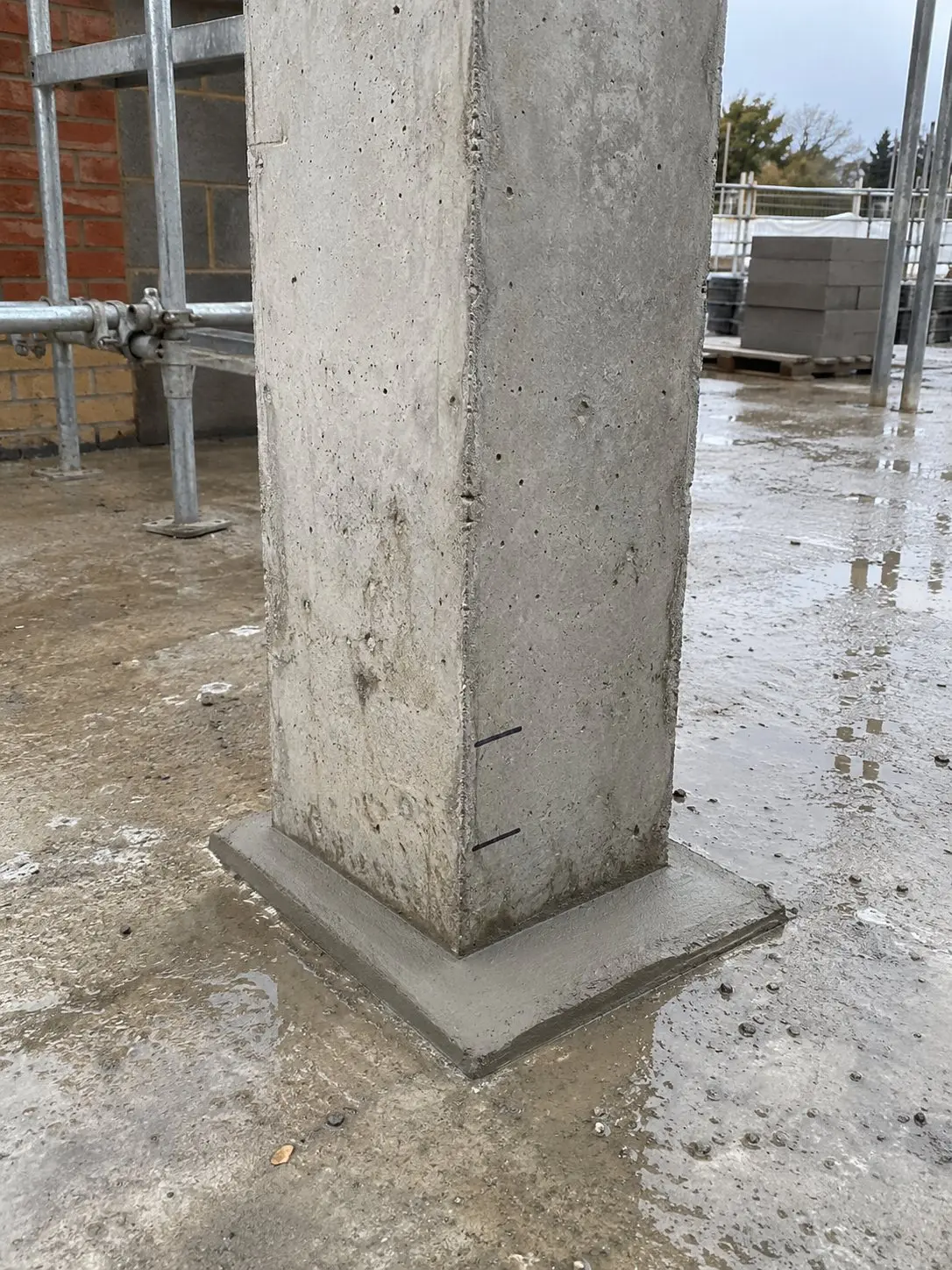
Each photo large, with its tags and the action needed right above it. Add who took it, when and where, or keep it to the photo and the action. Use it for snags, issues, health and safety and progress.

The Work Camera · Construction photo app
Stamped, filed and ready to report.
Use it like your normal camera. Choose your project and tags, then take the photo. Thanex files it straight away and keeps it out of your camera roll.


Before Thanex, I was always asking the team for photos. They came through WhatsApp, a day or two late. I saved them into OneDrive folders straight away, or I'd forget what they were for. With five engineers taking photos all day, it turned into a full-time job. The job stopped being enjoyable.
One for drainage, one for quality, one for deliveries. Which one was it sent to?
The client is waiting. You're scrolling. Nobody wants to be there.
Your own record
You don't need a laptop, folders or a company system. Start your own project, choose your tags and take the photo.
Work photos stay in Thanex.
Blocks, plots, rooms or work. Whatever your job needs.
Need a photo from someone? Send a link. They upload straight to it.
What you get
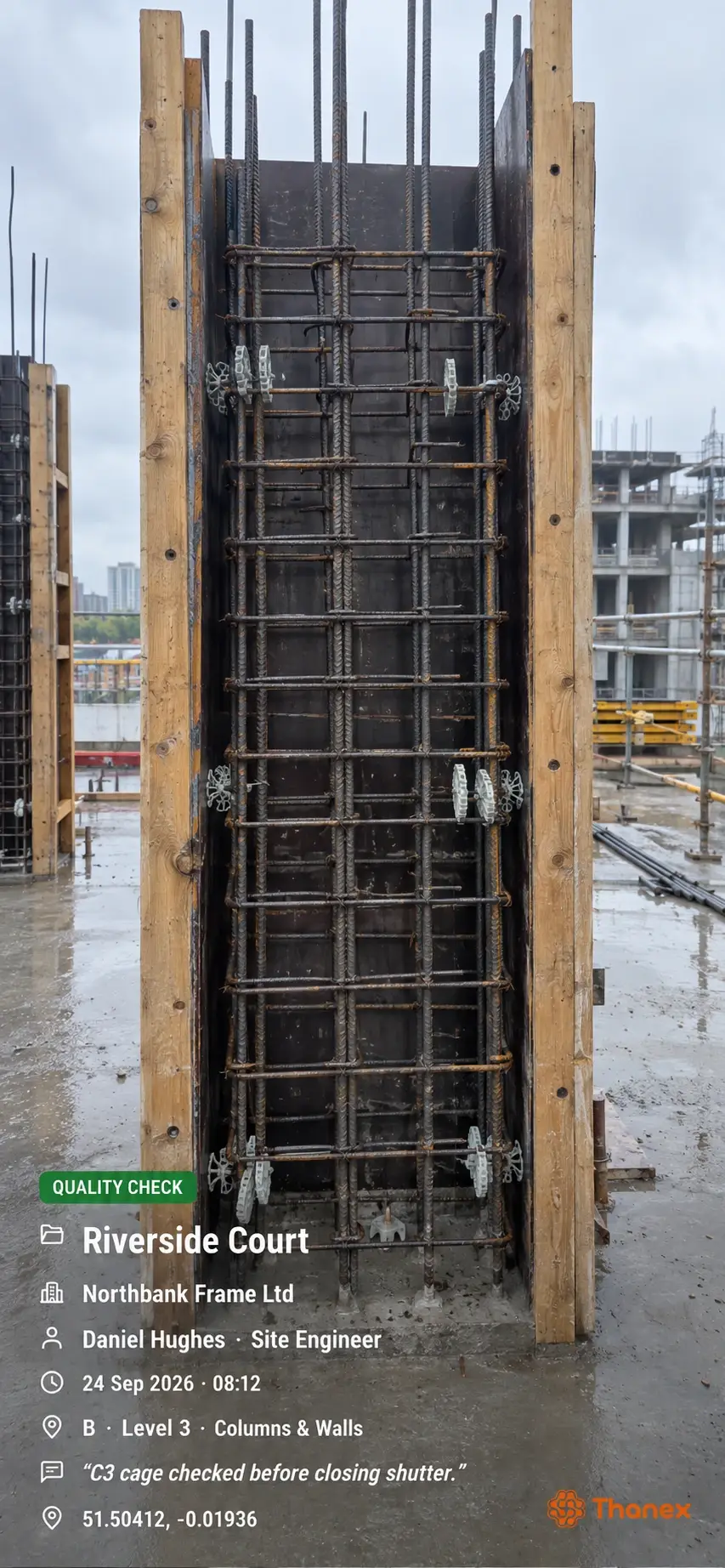
Who took it, their organisation, when and where. Saved the moment you take it, stamp on or off.
Into the right project and tags as you take it. Nothing to sort later.
Select your photos, make a PDF report and send it.
Find it
Filter Tuesday. Select the photos. Make the report. Show your client or boss exactly what was done, block by block, or take it to the progress meeting.
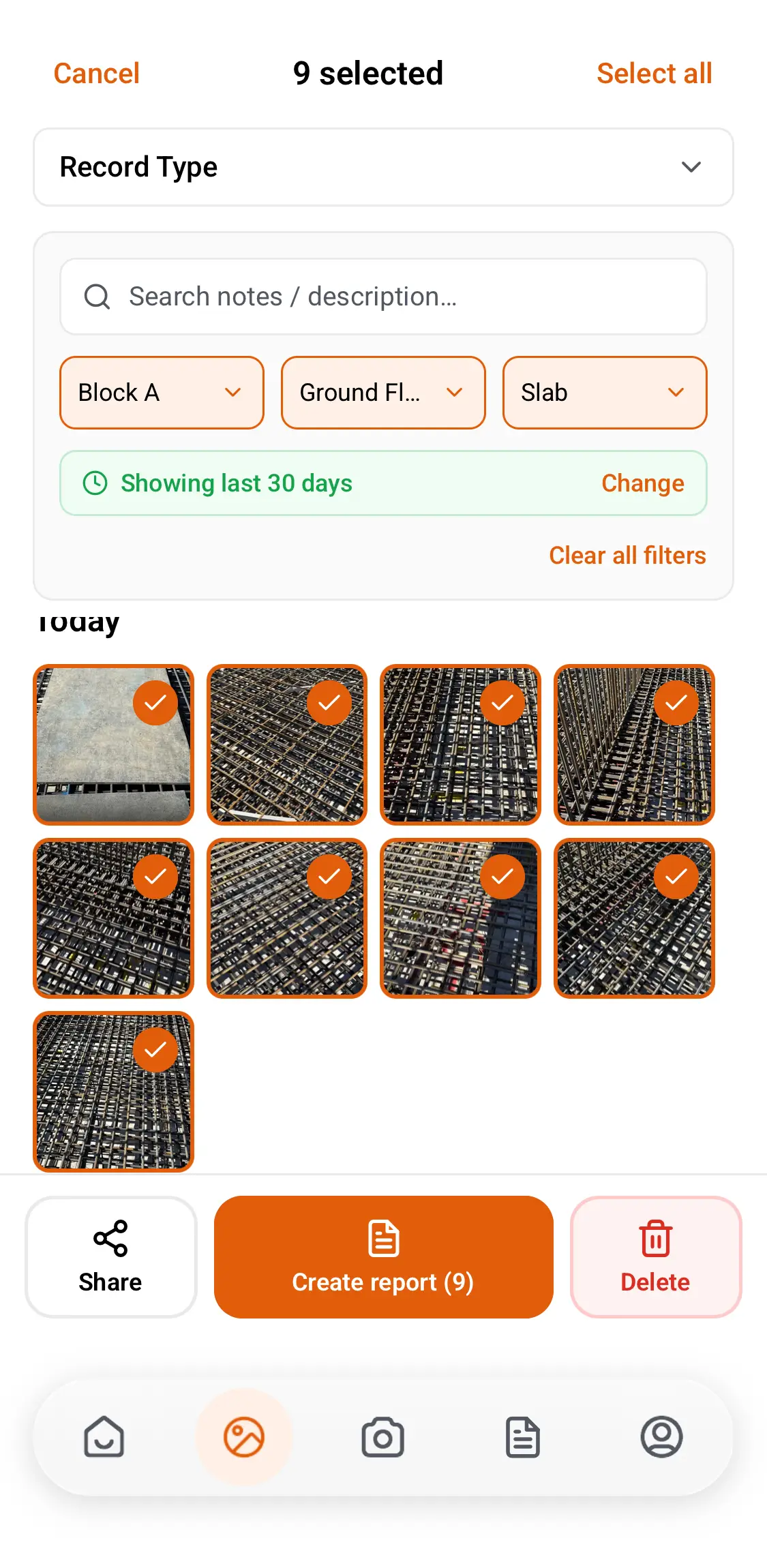
Reports
Filter by date and tags, select the photos and choose how the report looks. Two layouts, made for site work.
Use it for
Each photo large, with its tags and the action needed right above it. Add who took it, when and where, or keep it to the photo and the action. Use it for snags, issues, health and safety and progress.
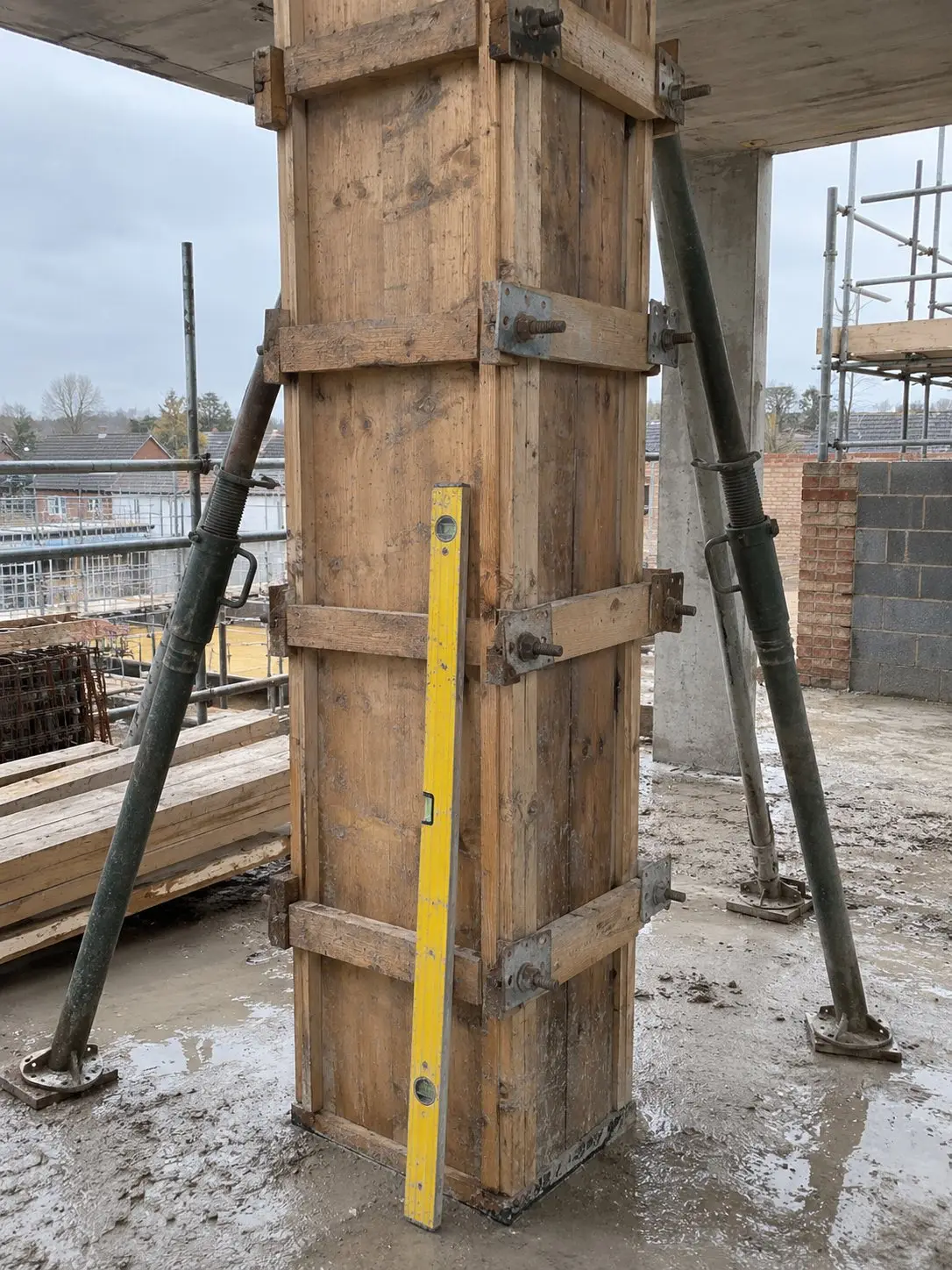
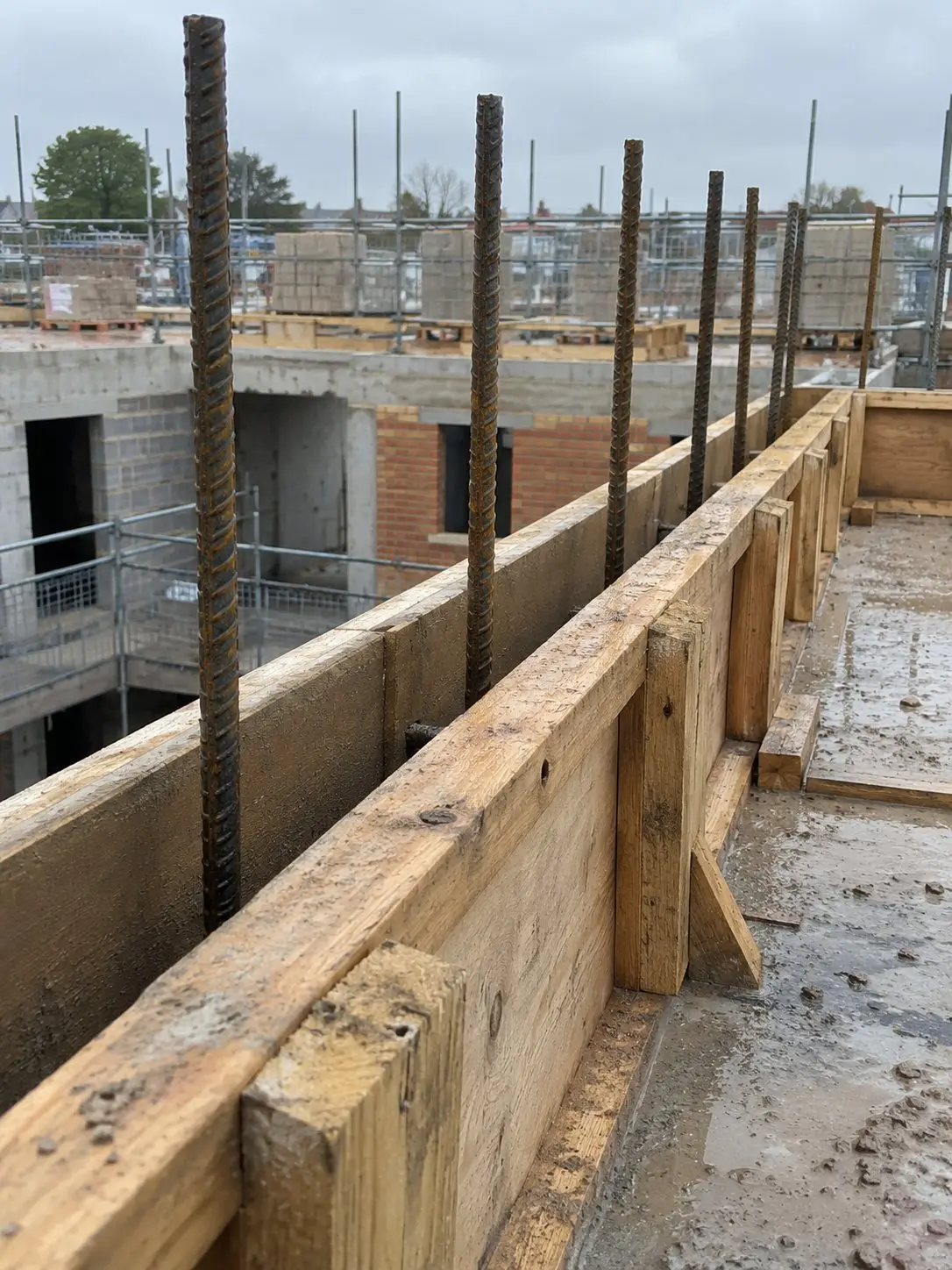
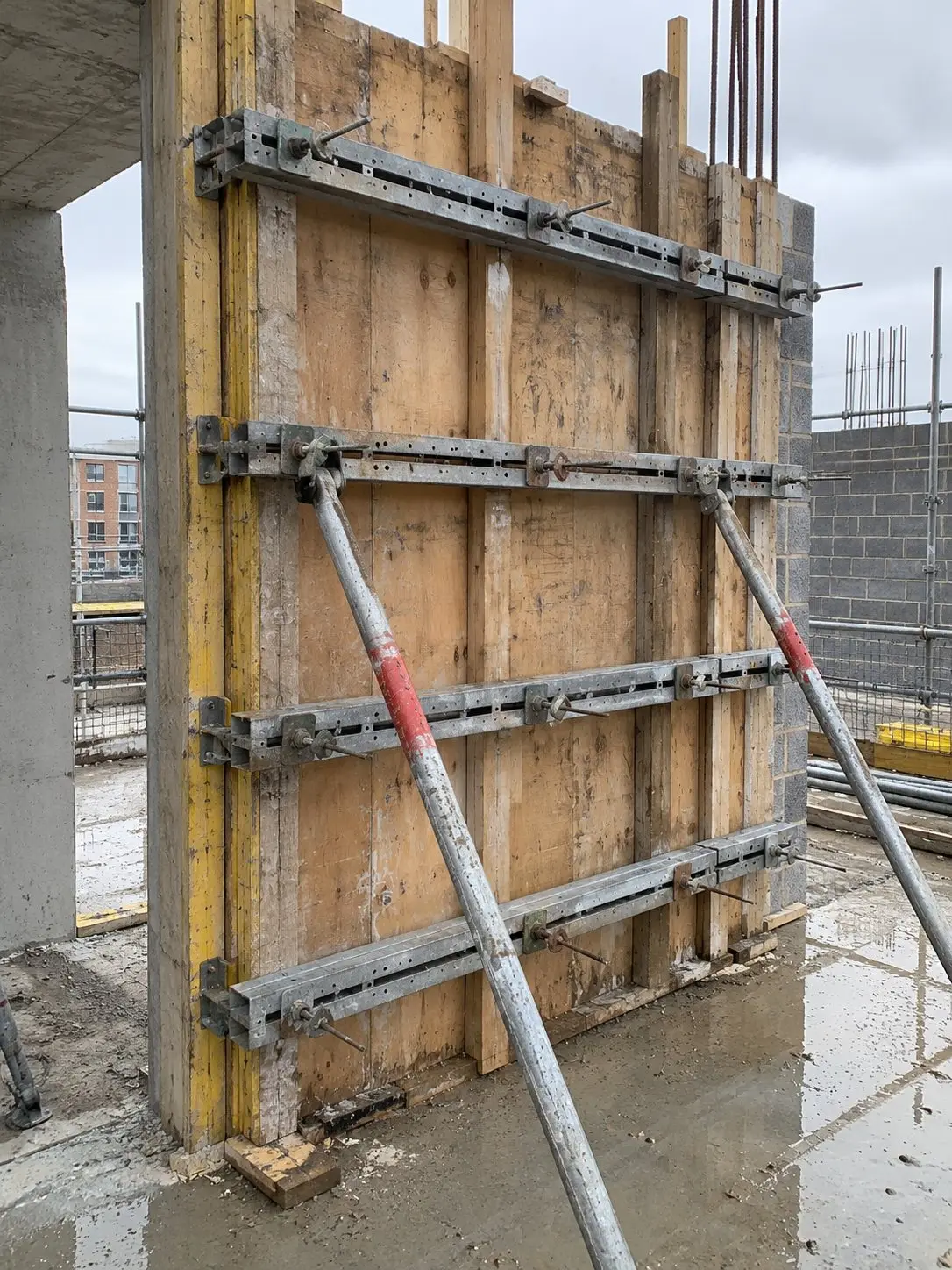
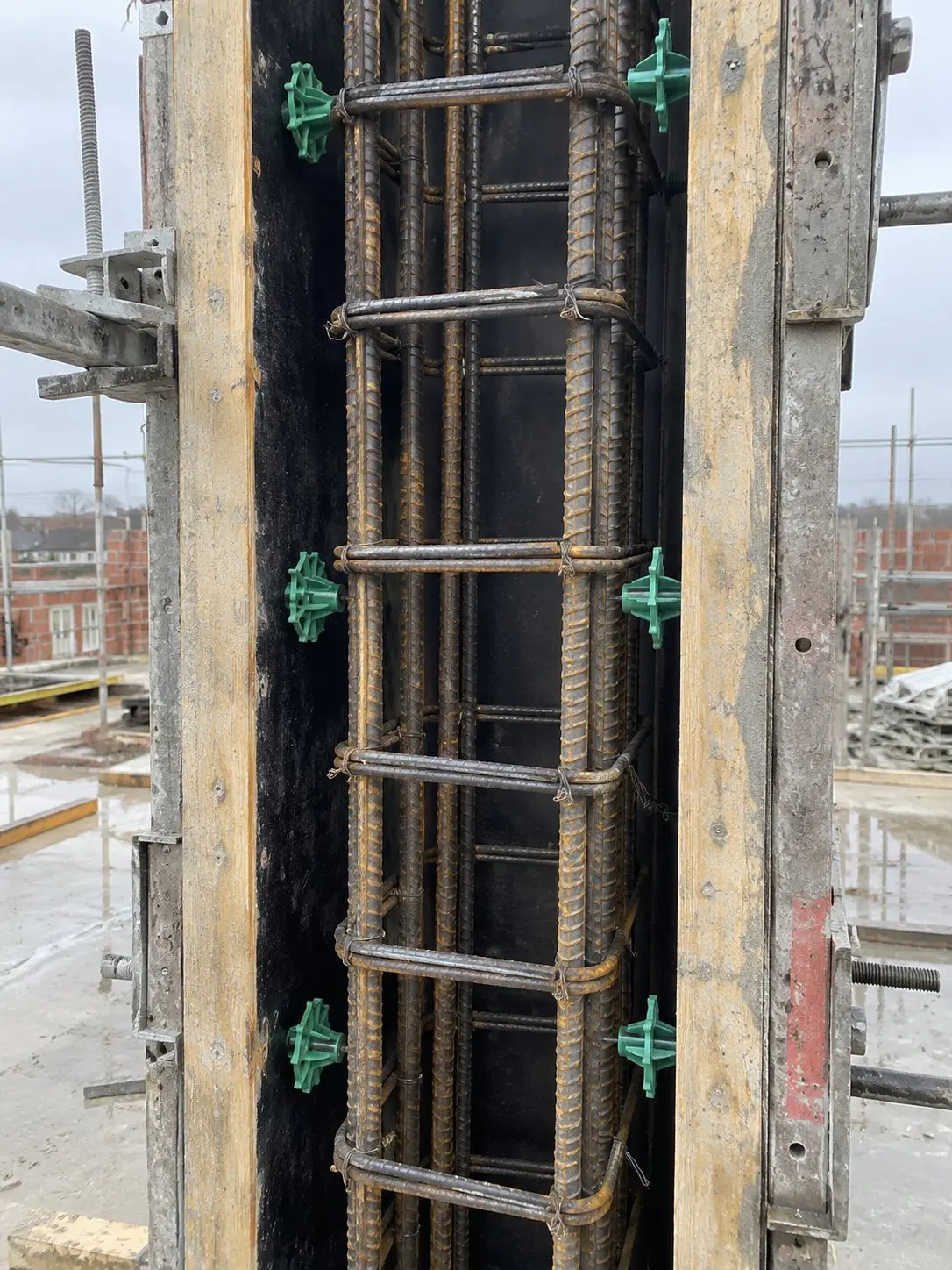
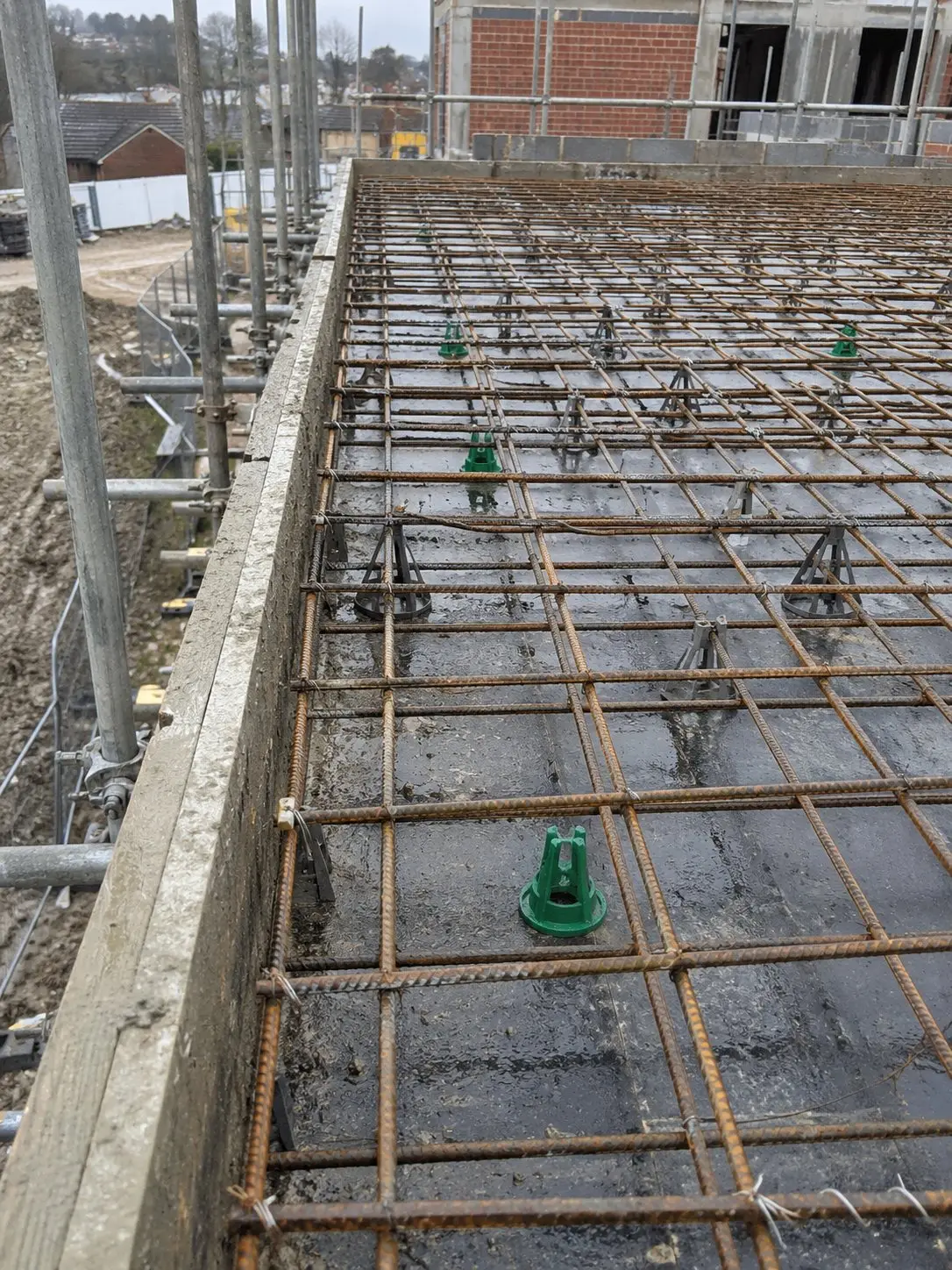
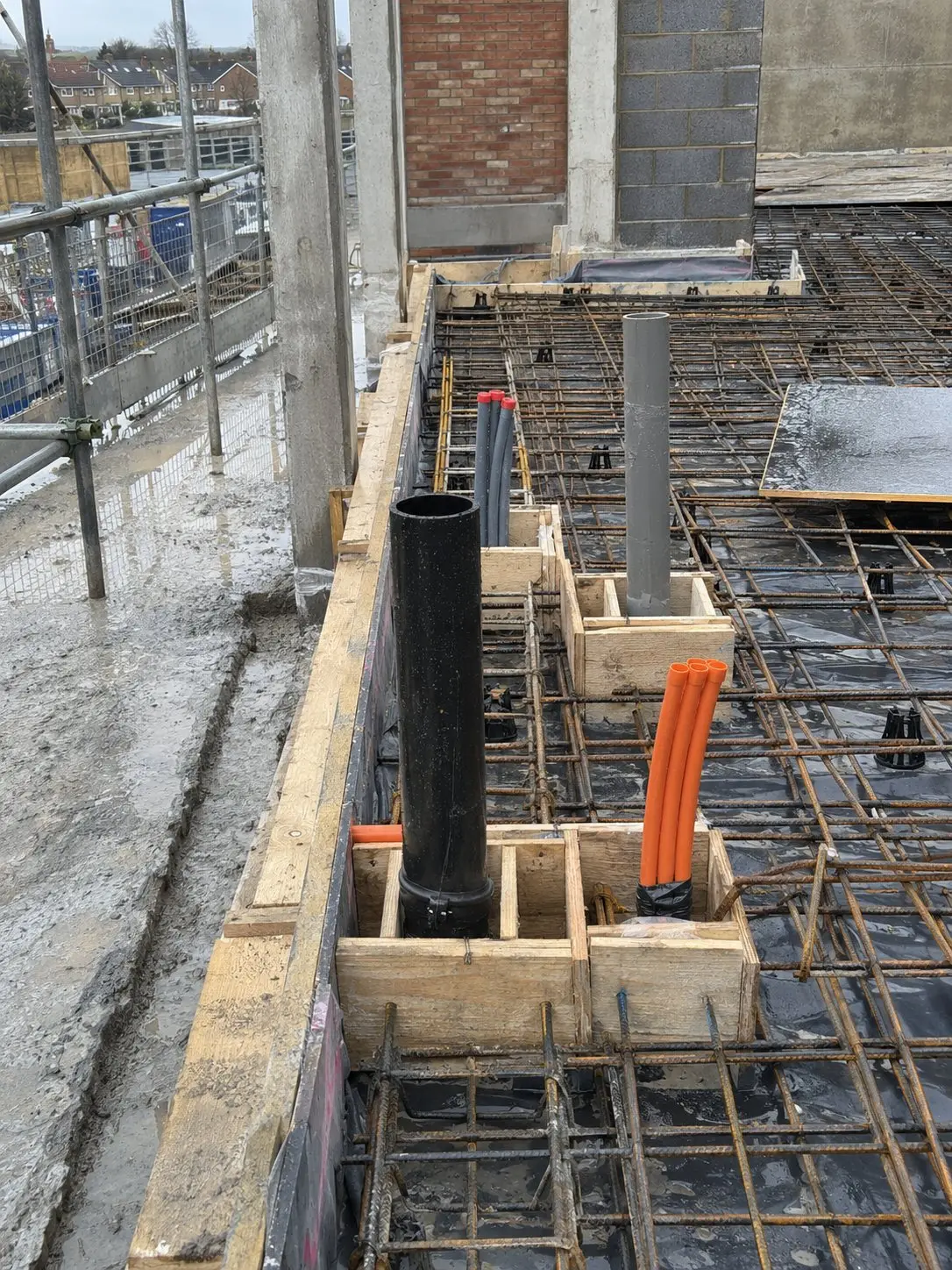
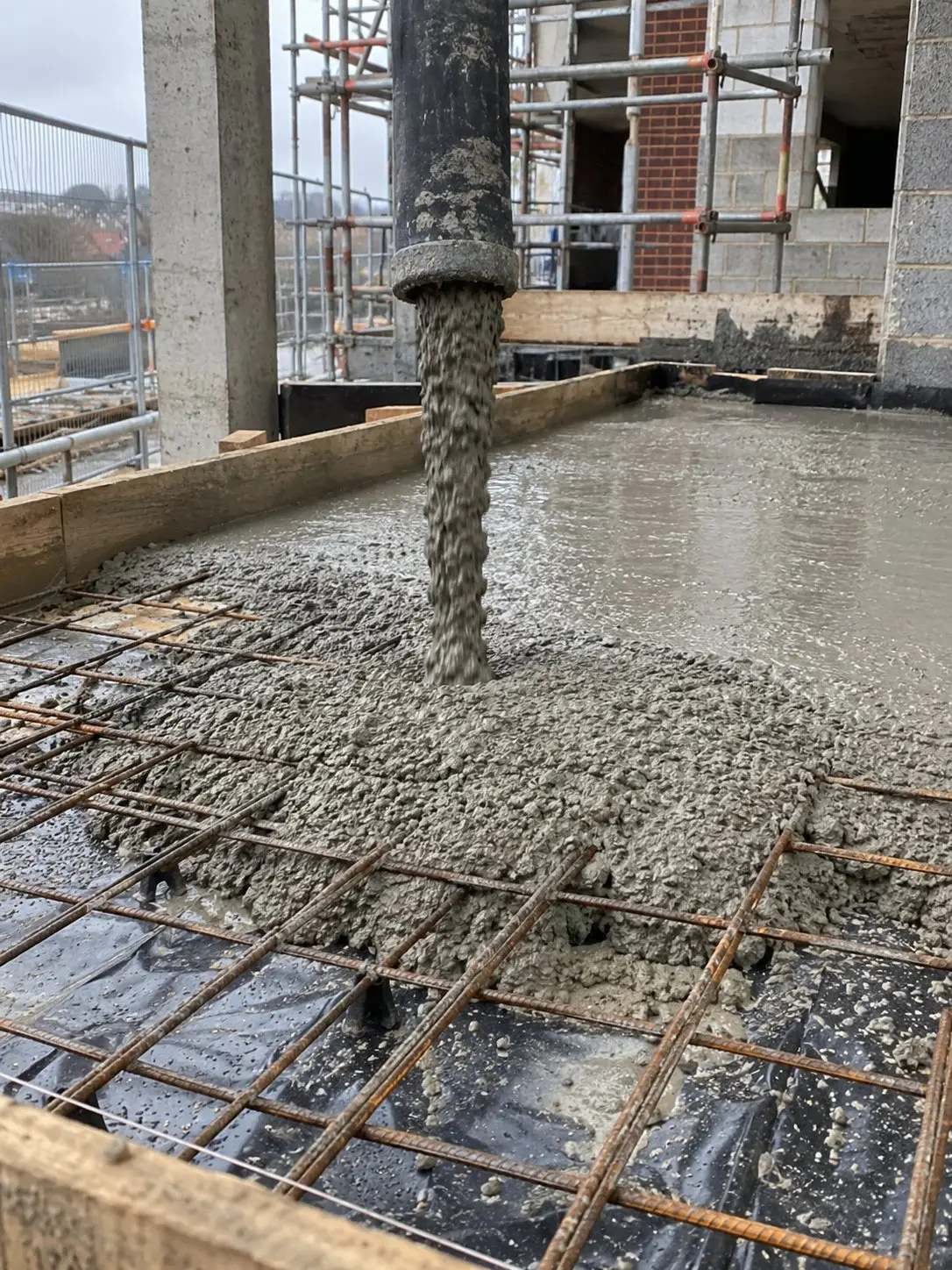
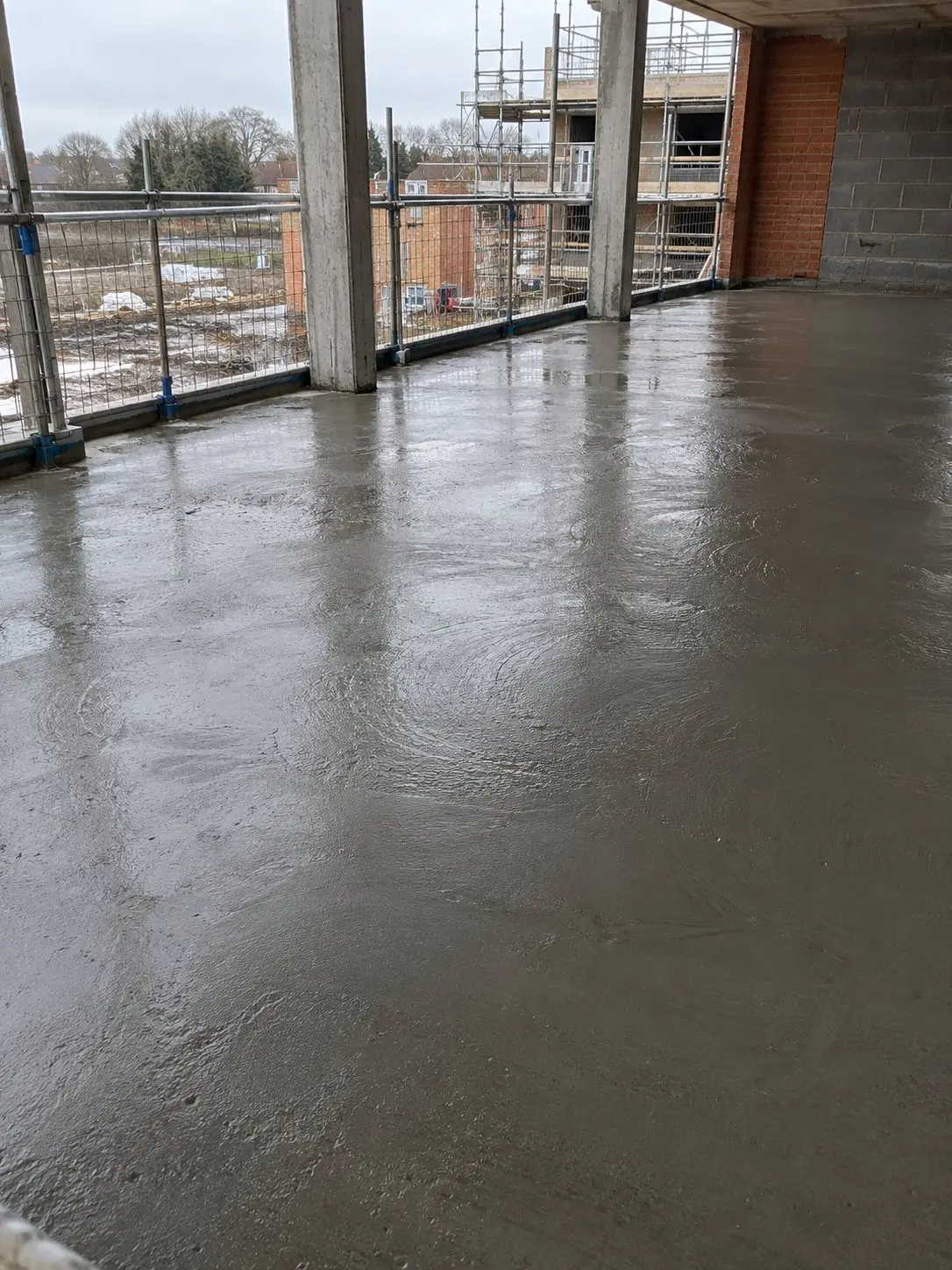
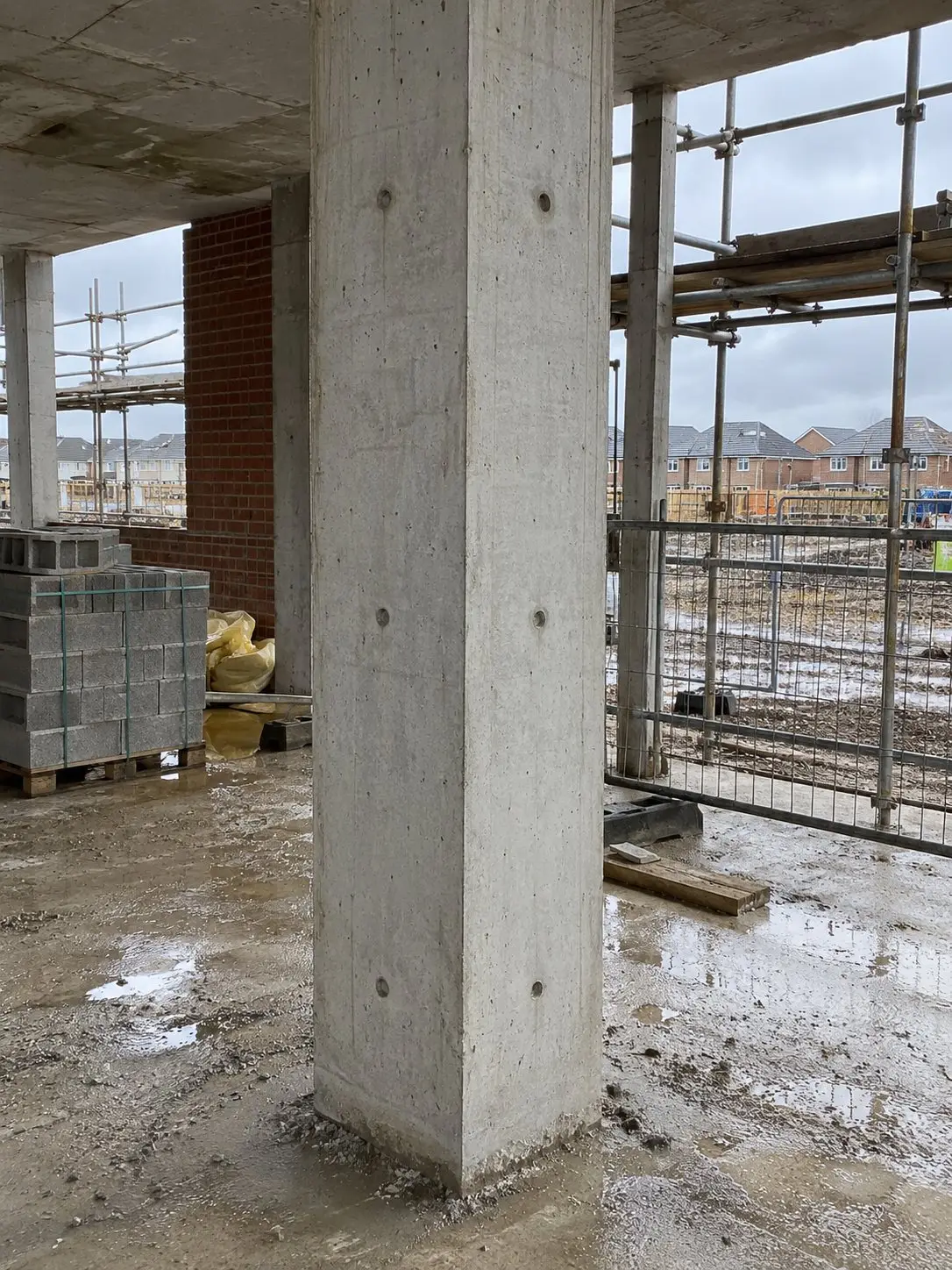
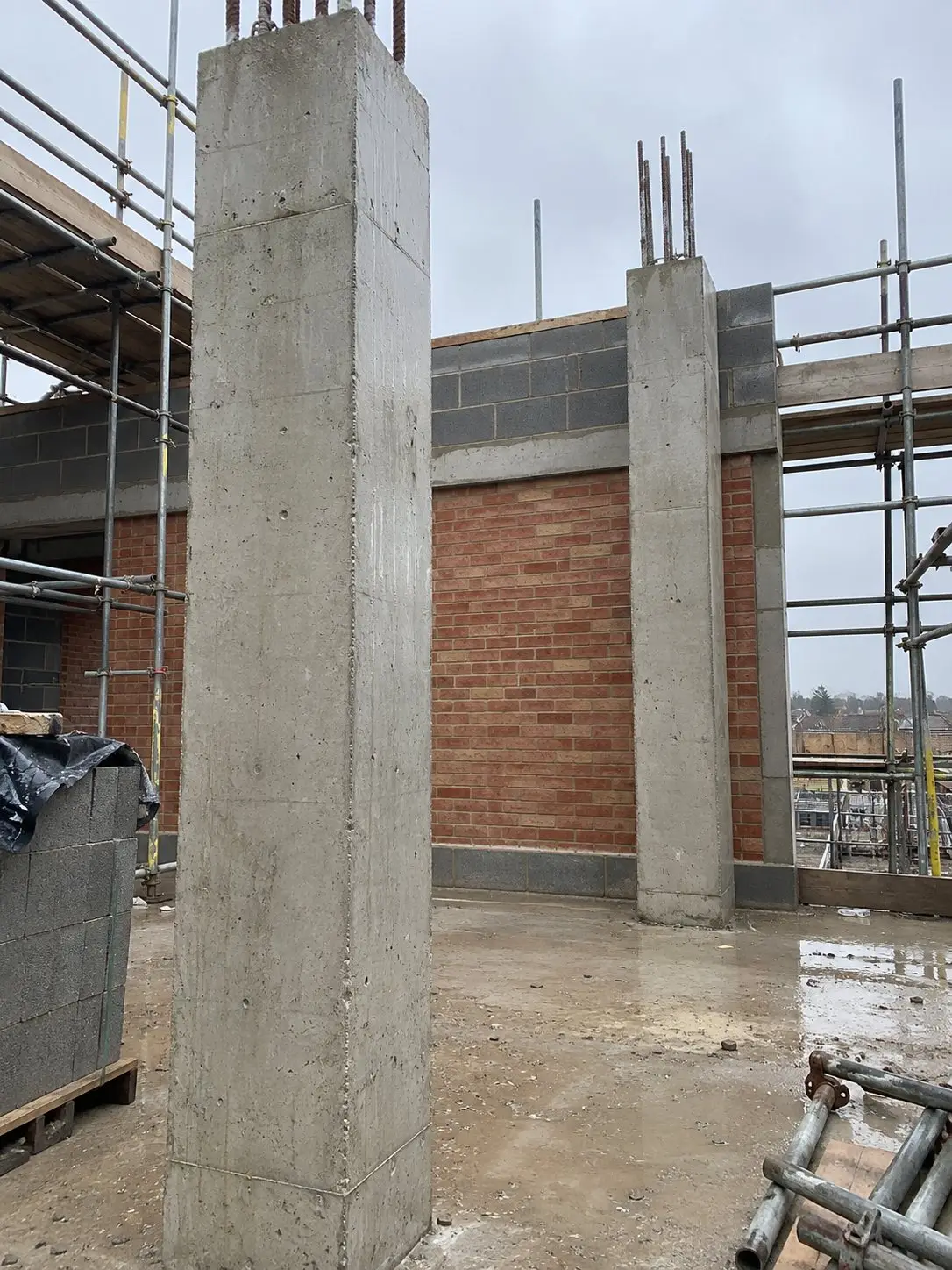
Formwork, slab, columns, stairs, then handover. Filter the level, select the photos and Thanex groups them by record type, tags and date, four to a row.
Tap any Photo ID in the PDF to open the full photo and its details. Anyone with the report can open it, no app needed.
Behind every photo
Tap any photo and everything saved with it is there.
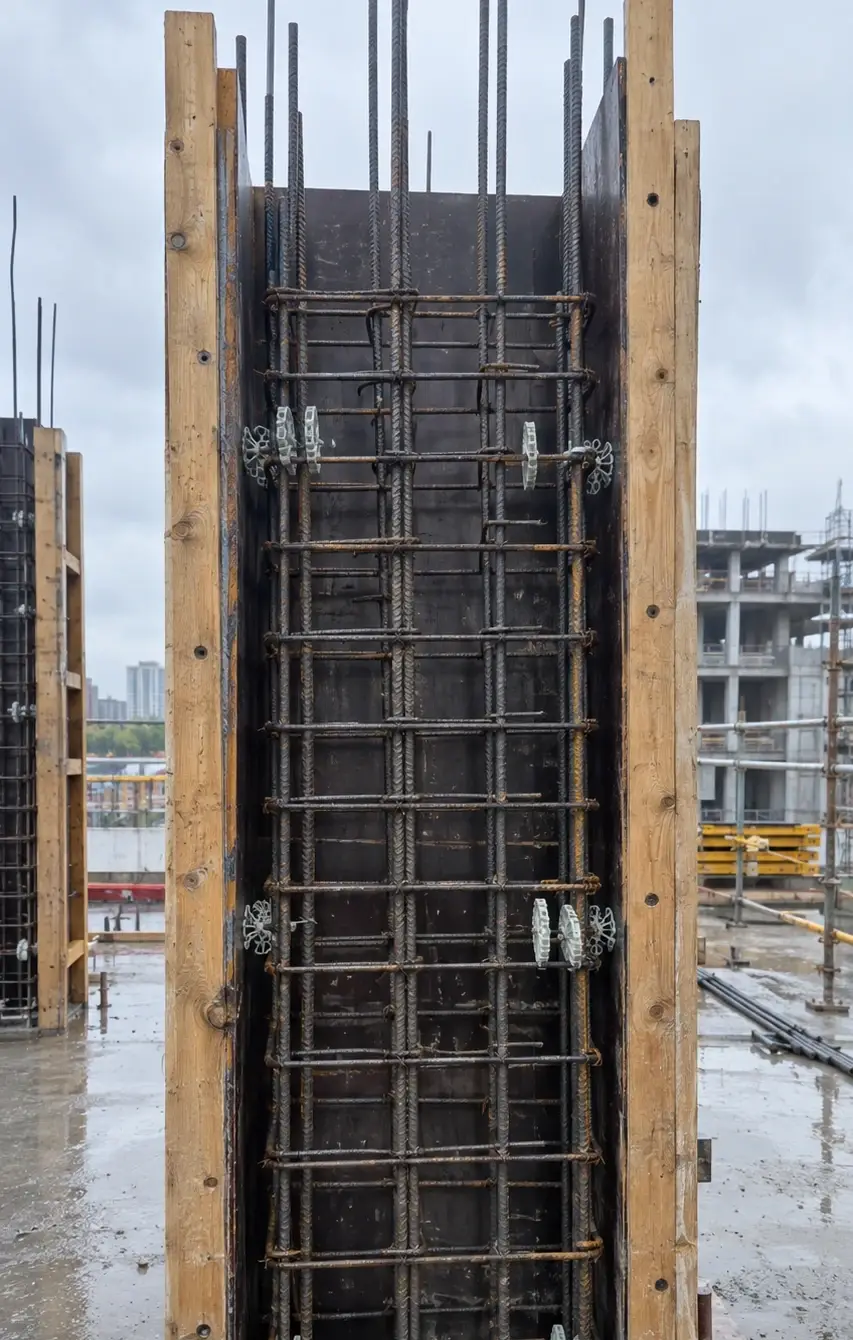
Auto: saved by Thanex. You: added by you. Example names are illustrative.
Thanex is best for people and teams who take site photos for work and want every photo filed under the same tags, with its details saved and ready to report.
Thanex is The Work Camera, a construction photo app that saves who, when and where with every site photo you take and files it by project and tags, ready to report.
Yes. Start your own projects and keep your own record of your work.
No. Photos you take in Thanex stay in Thanex.
Stamped, filed and ready to report.