
Thanex for contractors
Every photo your team takes, in one place. No chasing.
Your engineers, supervisors and subcontractors take the photos. Thanex files them under the tags you set and lets you know when they're in. You get on with running the job.
The photos turn up a day late, if they turn up at all
The work's done on Tuesday. The photos arrive on Wednesday, so you're reporting from memory and things get misread. Some never arrive. Some get lost between “I sent it to him” and “he never sent it on”. And the one that turns up later, suddenly found, you can't be sure about.
One way of filing
Set the tags once. Everyone files the same way.
Block A, Level 2, Slab. Or Plot 12, ground floor, first fix. Your admin sets the tags for each project and the whole team picks from the same list, so every photo lands where you'd look for it.
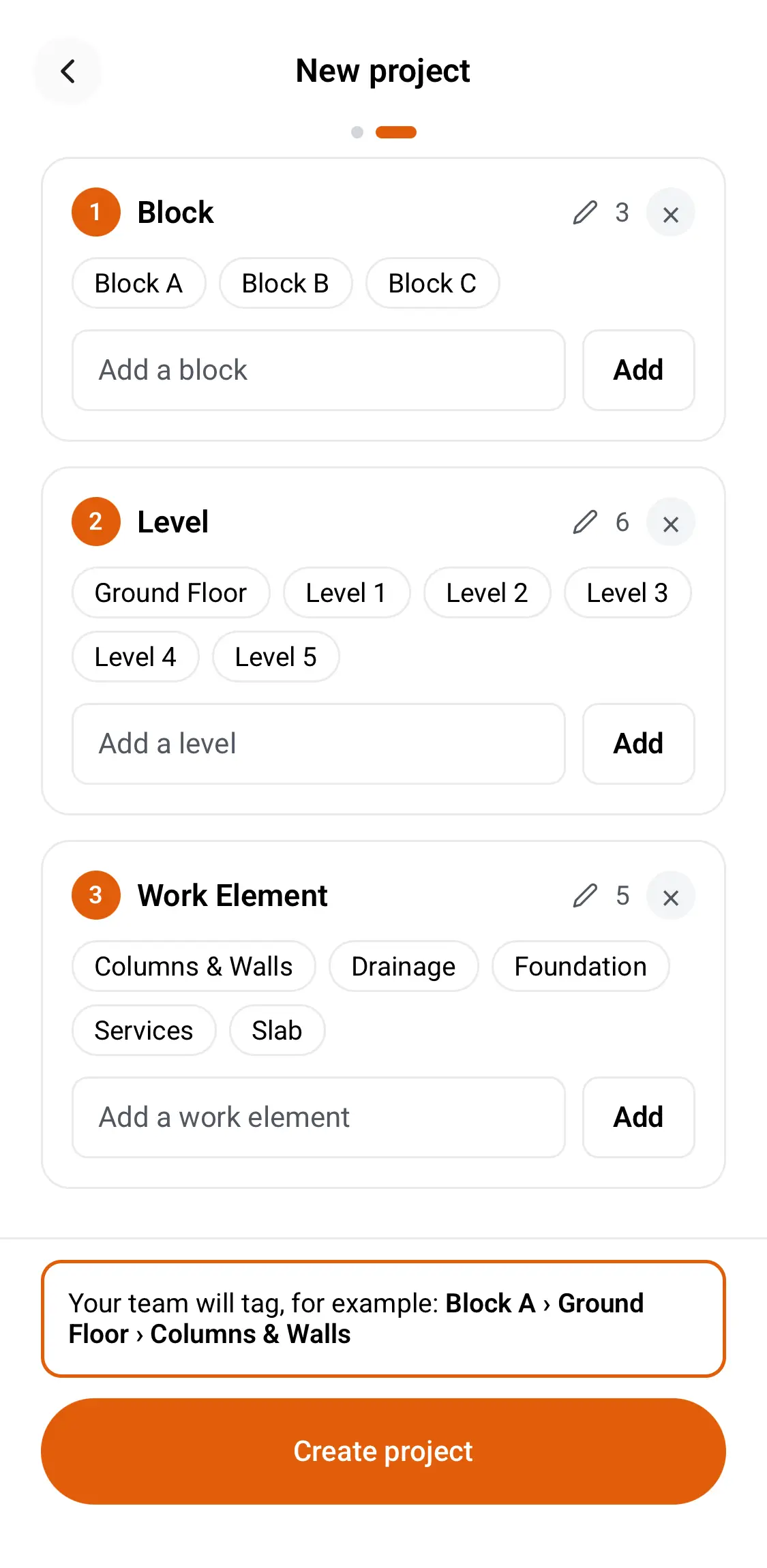
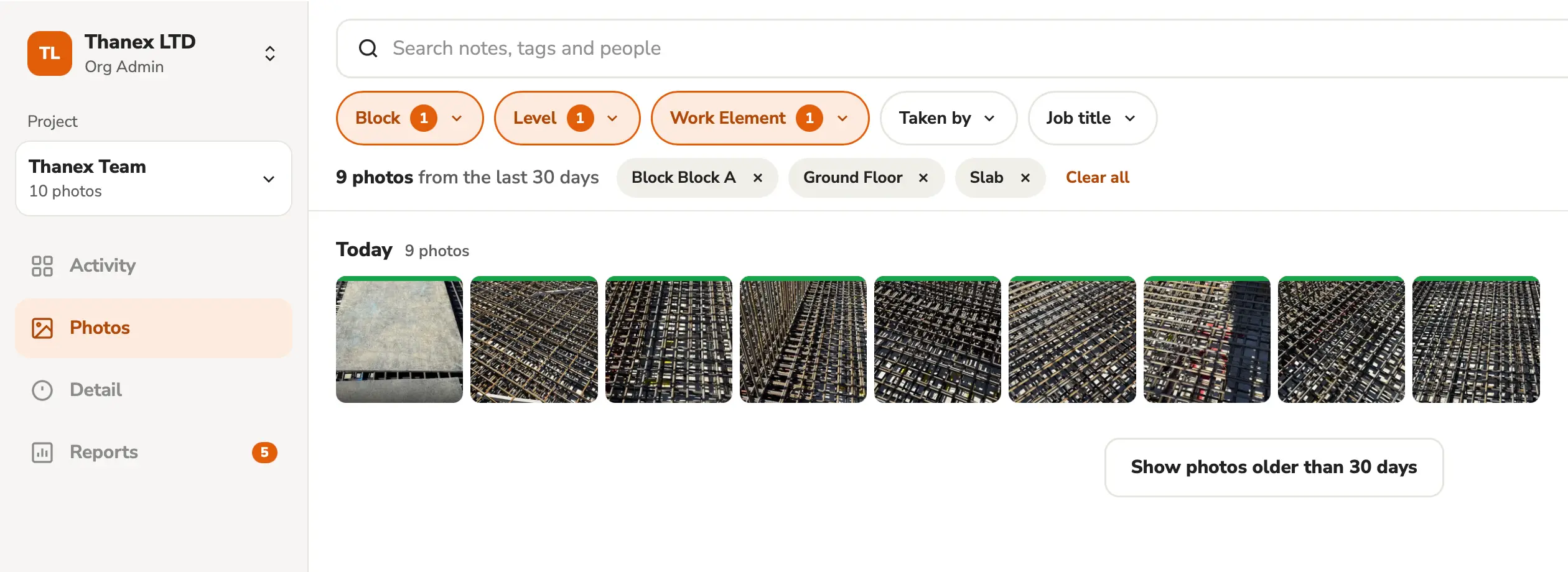
Your admin sets the tags in the app. On Thanex Web, the same tags find every photo the team has taken.
Stay on top of it
See what's been taken without asking
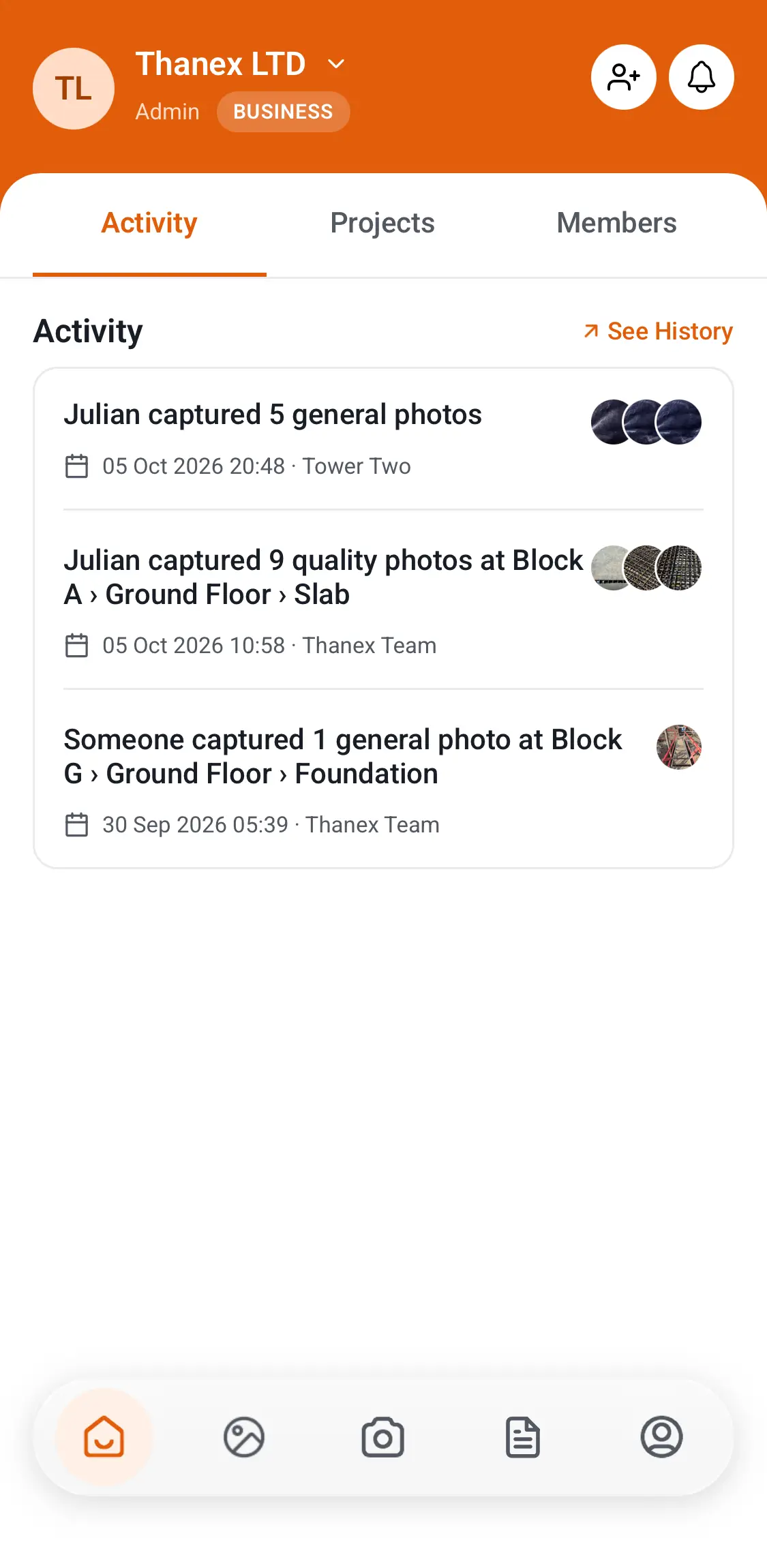
Thanex lets you know when someone takes photos, like ten quality photos on Block A, Level 3. Tap through and check them. On our own site, that's how we've picked things up before the concrete went in.


Snag lists from your photos
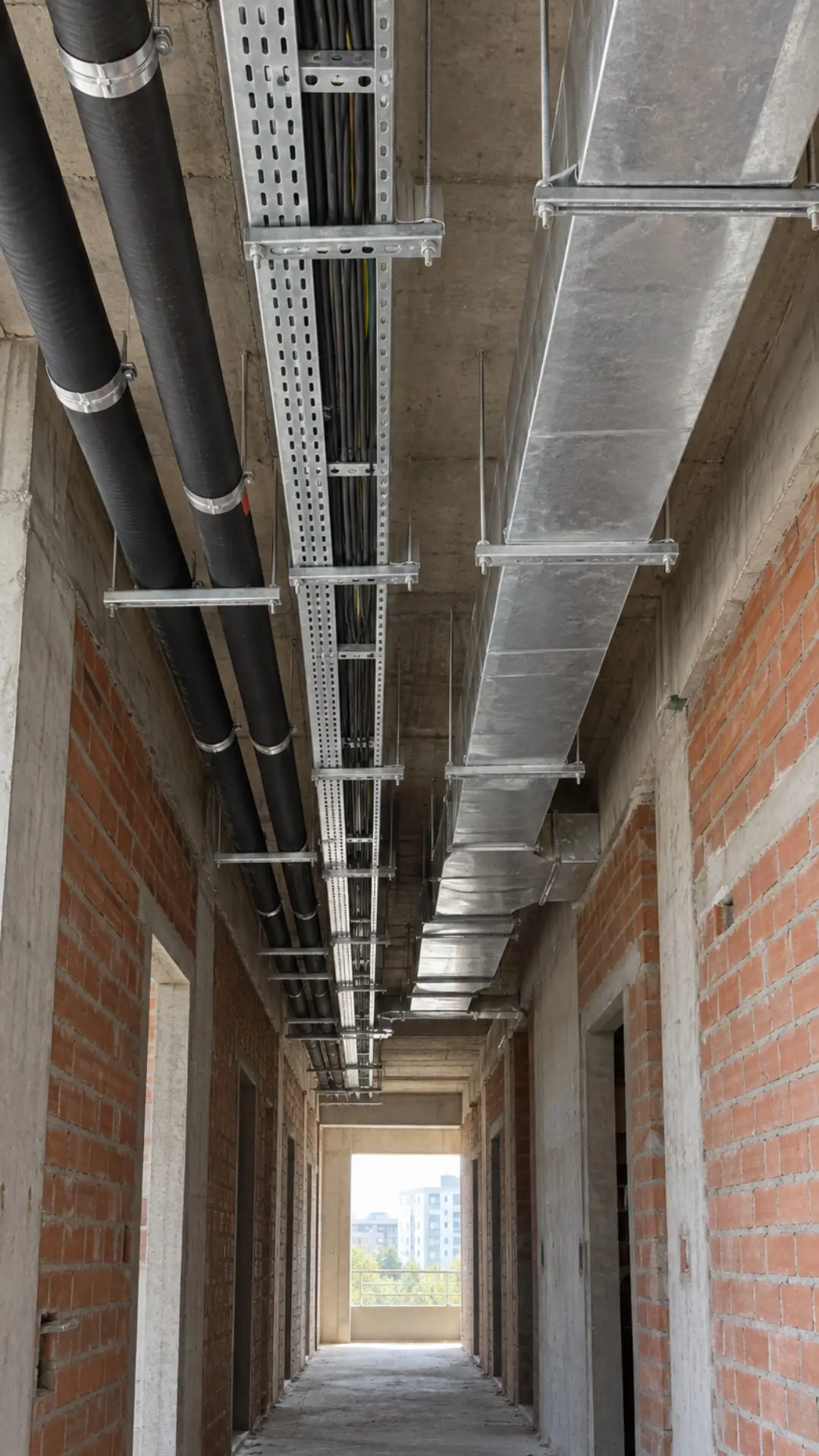
Make a snag list as a PDF, with an action on each photo, from its note or typed in. Send it to the supervisor, and they can work through it and get back to you snag by snag.
- Action from the note Use the photo's note.
- Or type it in Write it as you build the report.
What changes when the whole team uses it
No user limit
Your team and your subcontractors.
Roles and an activity feed
Admins set the tags. Everyone sees what's been taken.
Photos stay with the organisation
When someone leaves, their photos stay.
Deleted photos go to a bin
Members delete only their own photos. Only admins empty the bin.
Thanex Web for the office
Find and report on photos without ringing the site.
Tasks
Photos from someone outside the team, through a link.
How each photo was added
Captured with Thanex, or uploaded to a task
Captured with Thanex
Taken in the Thanex camera. Organisation, member, job title, date, time and GPS saved automatically.
Uploaded to task
Sent through a Task link. Marked with the task, project, tags and upload date.
Every photo shows which one it is.
Site evidence
One app to learn, for all your site photos
Every project seems to bring a new app to learn, and people just want to do their job. With Thanex, Part L, NHBC stages, golden thread, fire stopping, quality and progress photos all go in the same place, the same way.
Questions
Is there a limit on team members?
No. Invite your whole team and your subcontractors.
Who sets the tags?
Admins set each project's tags once. Everyone on the project picks from the same list.
Can subcontractors use our tags?
Yes. Invite them to your workspace and they pick from the same list as your own team.
Your team takes the photos. You keep the record.